
If the dataset contains missing values (e.g., blanks), these may be imputed. If imputation is not required, click “Data Transformation Completed” to complete data processing.
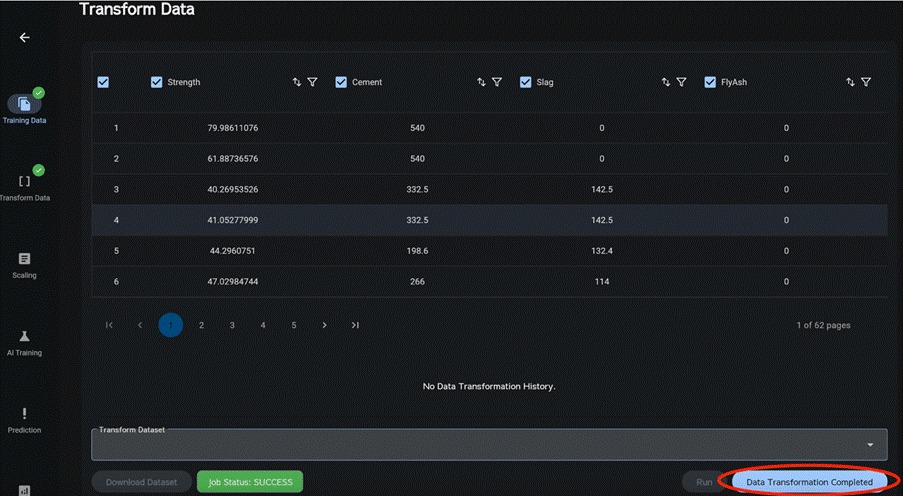
If the dataset contains missing values and data processing is required, select a transformation method for each variable and impute the missing entries.
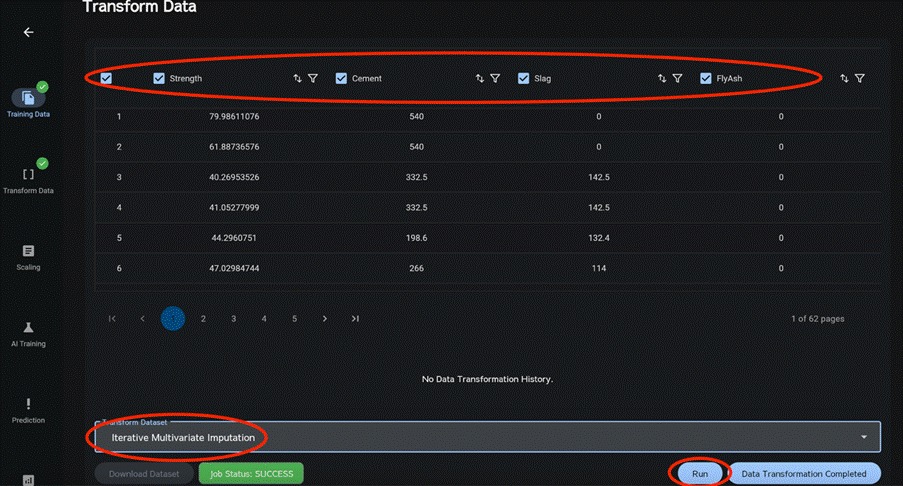
Select the column data (checkbox) to be processed.
Use the leftmost checkbox to select or deselect all.
Select a transformation method and click Run.
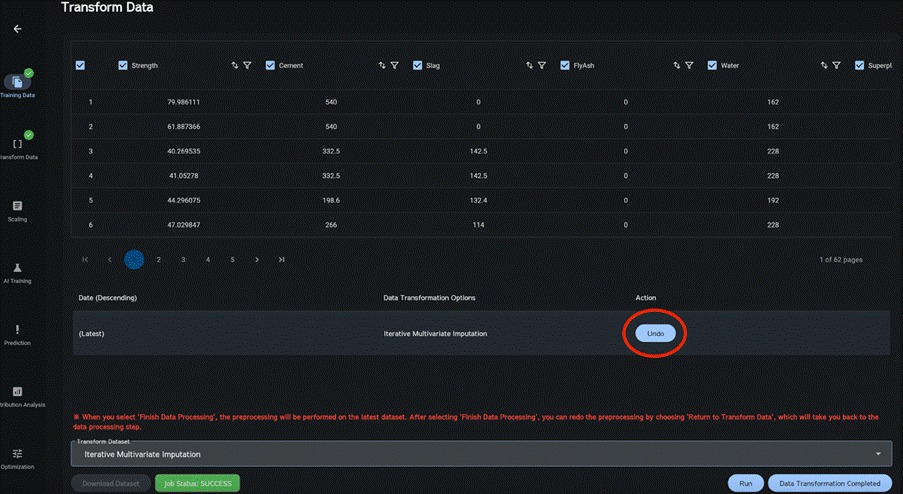
When transformation completes successfully, the transformation history is shown in the order applied.
Click Undo for any entry in the history to restore the dataset to its original state at that step.
When data processing is complete, click Data Transformation Completed.
Note
If all values in any column are blank, Inf, or NaN, they are automatically imputed to 0.


