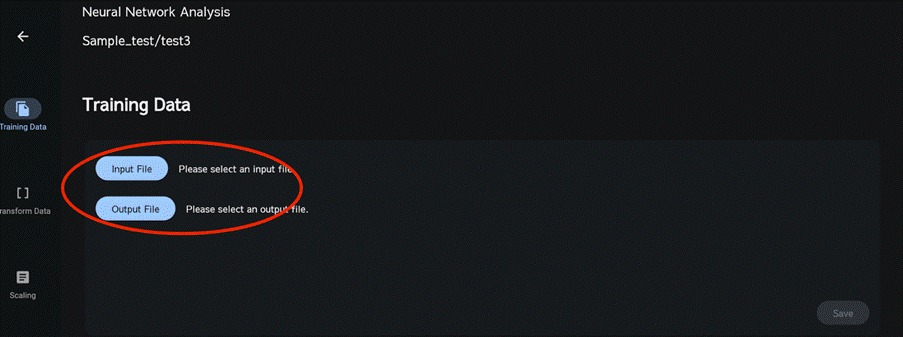
On the Training Data screen, select the CSV file of explanatory variables for the input file and the CSV file of the target variable for the output file, then click Save. This will upload the data to the project.
Both the input and output files must include a header row with the column names. Column names may start with alphanumeric characters followed by hyphen, space, and numbers. If the column name contains only symbols, numbers or spaces, an error will occur. In addition, for Neural Network analysis we assume at least 10 data points. If you have fewer than 10 data points, please use Gaussian Process Regression & Bayesian Optimization.