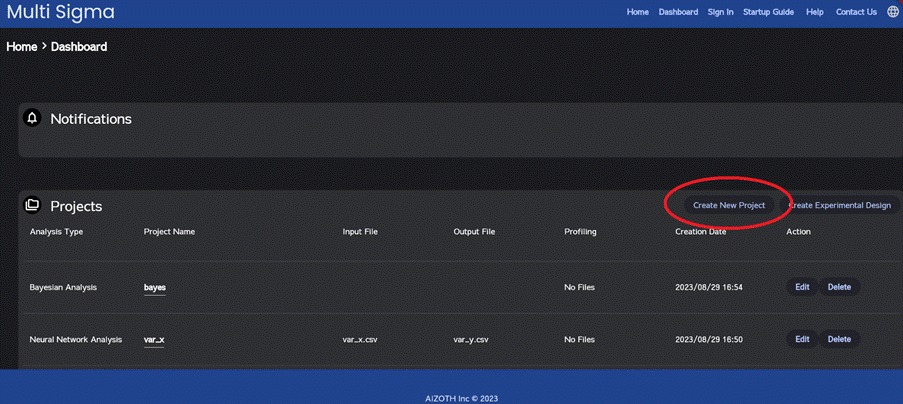
To initiate the project creation process, please proceed to the dashboard and click the “Create New Project” button at the top right of the project section.
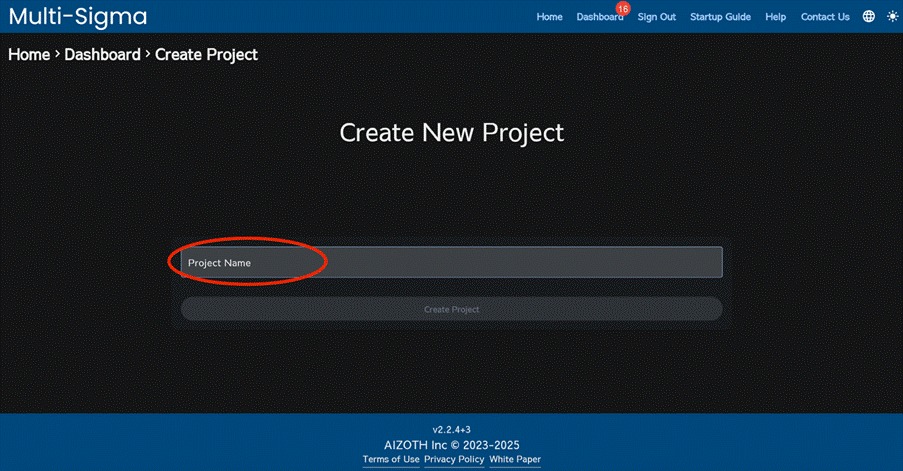
After entering the project name, click “Create Project.” The newly created project will appear in the dashboard.
Please click the name of the project you just created.
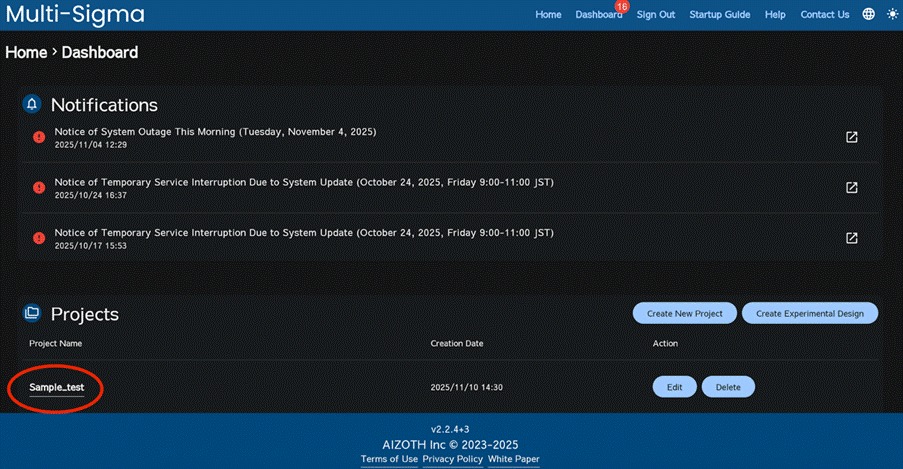
When you want to manage folders and files (apply labels) in Multi-Sigma, you can do so by first creating this project and then adding the tasks described below within the project; this allows for folder categorization and file labeling.
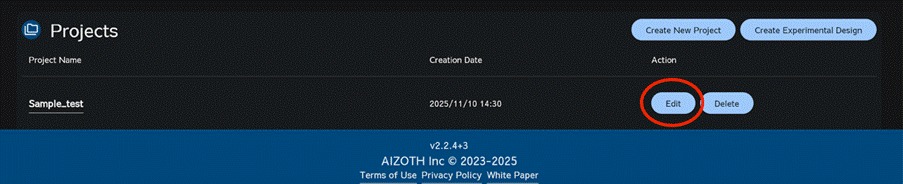
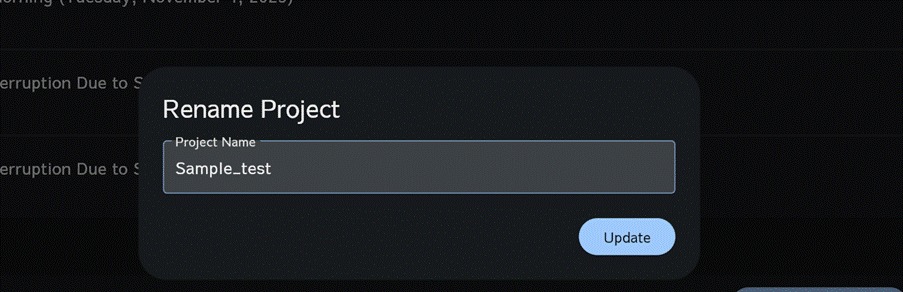
The project can be renamed at any time: click the “Edit” button for the project to open the Rename Project window, enter the new name, and then click “Update.”