
Table of Contents
15.1. Changing Your Registered Information #
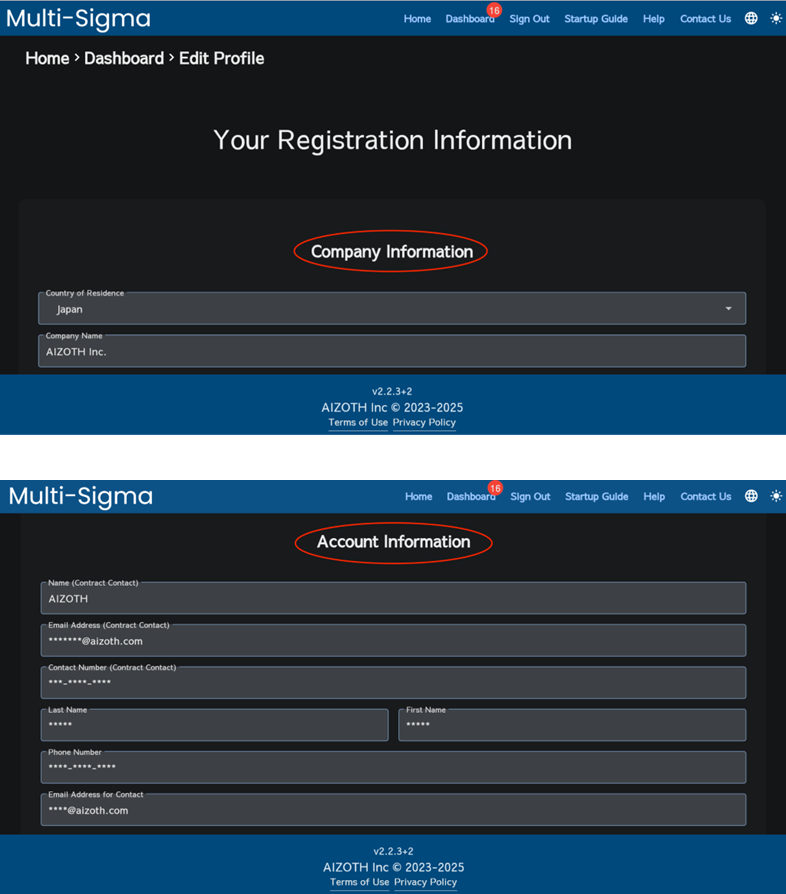
To update your registered information, click on the “Dashboard” tab, scroll to the very bottom where you will see an “Edit” button, and click it. You will find input fields for “Company Information” and “Account Information.” Fill in the updates as needed and then click the “Update Registration Information” button.
15.2. Changing Your Password #
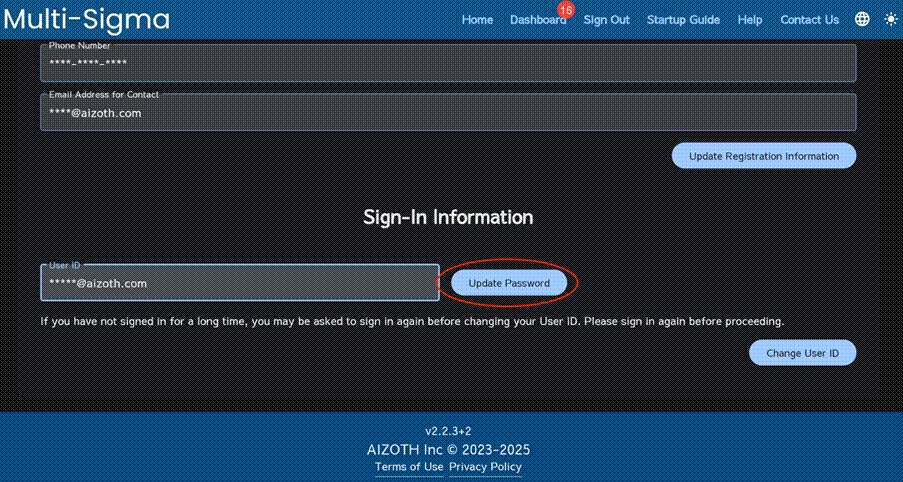
To change your password, follow the same procedure as updating your registered information: click on the “Dashboard” tab, scroll to the very bottom where the “Edit” button will appear, and click it. Then, scroll all the way down again to find the “Update Password” button. Click the button to change your password.
15.3. Deleting Your Account During the Contract Period #
If you wish to delete your account during the contract period, please contact us directly.


