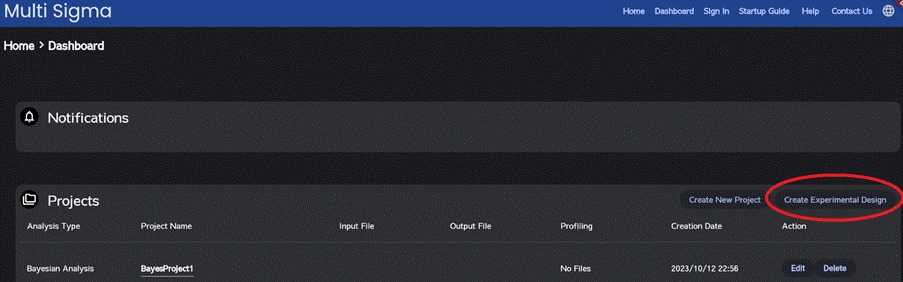
To generate random experimental conditions, please navigate to the “Dashboard” window and click on “Create Experimental Design” button.
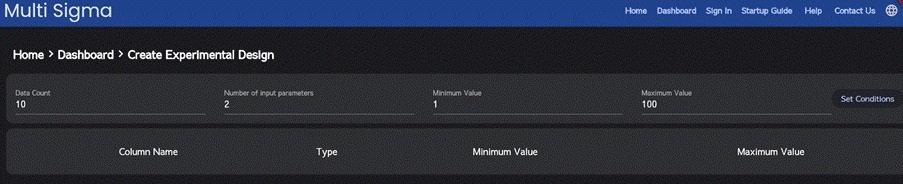
On the window that follows, input the number of experimental samples (rows), the number of independent variables, as well as the minimum and maximum values. Click “Set Conditions.”
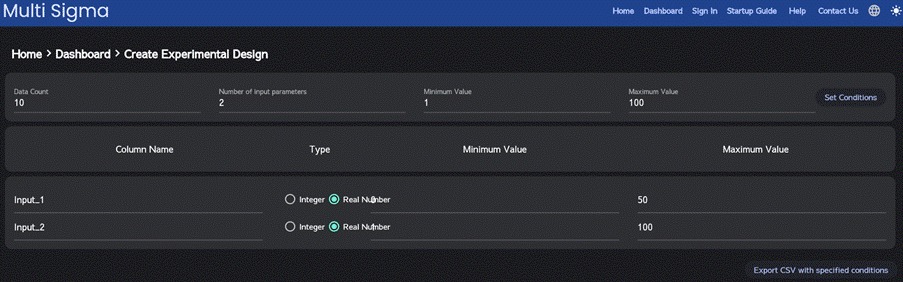
Then, on the subsequent section, configure the data types (integer/real) and specify the minimum and maximum values for each independent variable. Click “Export CSV with specified conditions” to download a CSV file containing experiment conditions randomly generated based on your specified criteria.