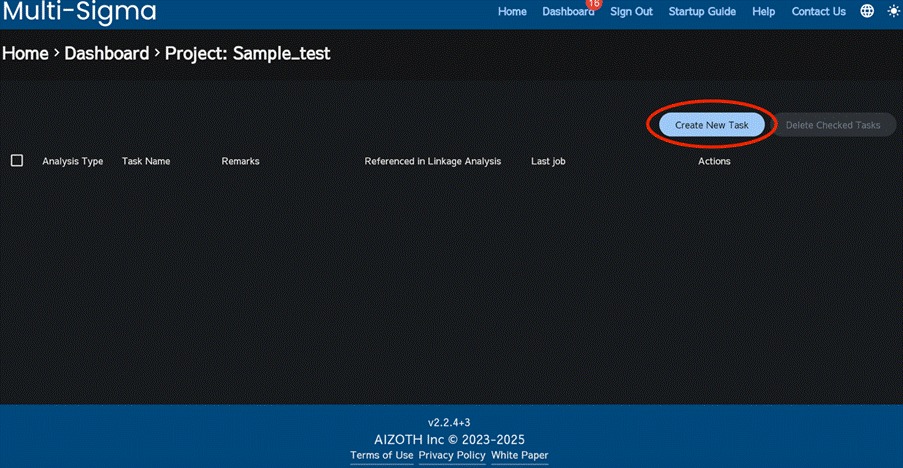
After clicking the project you created, click “Create New Task”. Each task serves as its own analysis workspace. Multi-Sigma supports three types of analysis: neural network analysis, Gaussian Process Regression & Bayesian Optimization, and linkage analysis.
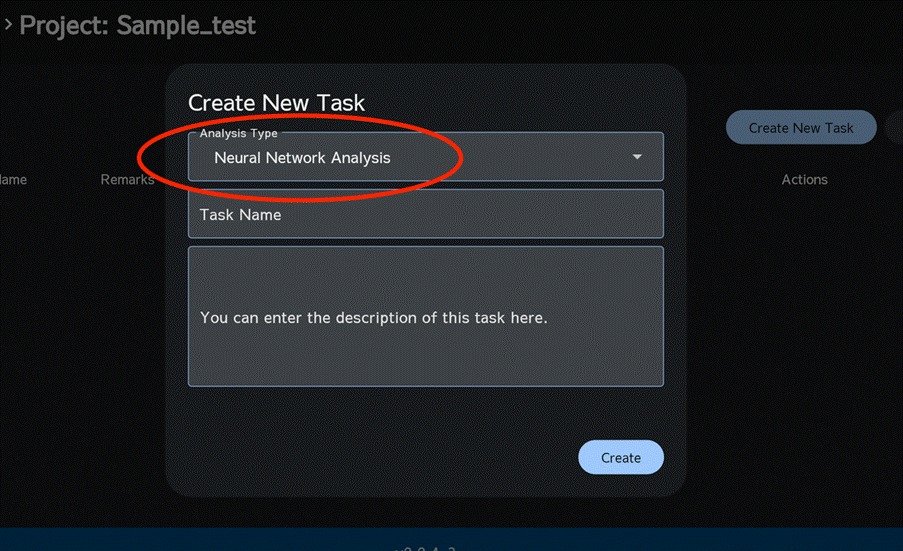
From here on, we use neural network analysis + multi-objective genetic algorithm optimization for demonstration. On the task creation window, select “Neural Network Analysis”, enter a task name, and click “Create”. If you are using Gaussian process regression and Bayesian optimization, refer to chapter 11. If you are using AI Linkage Analysis, see chapter [16].
*In the forthcoming examples, we will be utilizing data downloaded from Kaggle, specifically the “PRATHAM TRIPATHI, Calculate Concrete Strength” dataset.
https://www.kaggle.com/datasets/prathamtripathi/regression-with-neural-networking
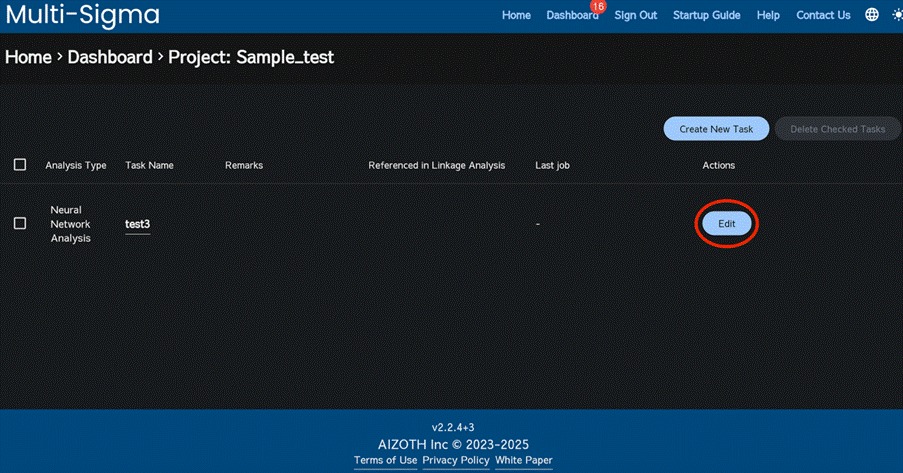
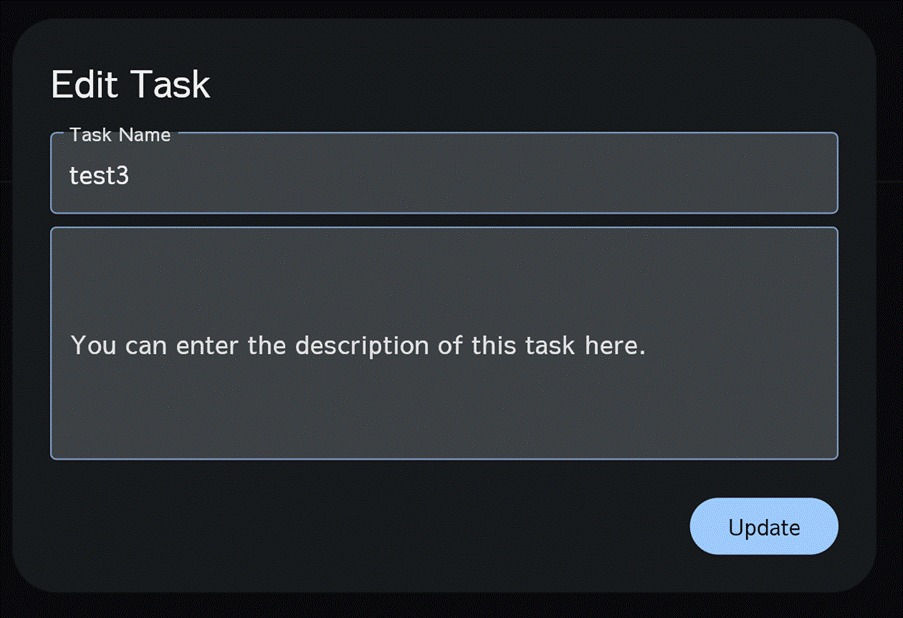
You can also rename a task after it has been created, just as you can with a project. Click the task’s “Edit” button to open the Edit Task window, enter the new task name, and then click “Update”.